Are there any fees associated with wallet migration on Coinbase?
Coinbase Crypto Exchange: Essential Guide to Internal Wallet Migration Explained
Introduction: Why Internal Wallet Migration Matters
Coinbase, one of the largest regulated crypto exchanges, regularly performs internal wallet migrations to enhance security, scale liquidity, and optimize costs. If you track on-chain flows, trade actively, or manage treasury operations, understanding how and why Coinbase moves funds between its own addresses will help you avoid false alarms, prevent deposit errors, and interpret blockchain data correctly.
What Is an Internal Wallet Migration on Coinbase?
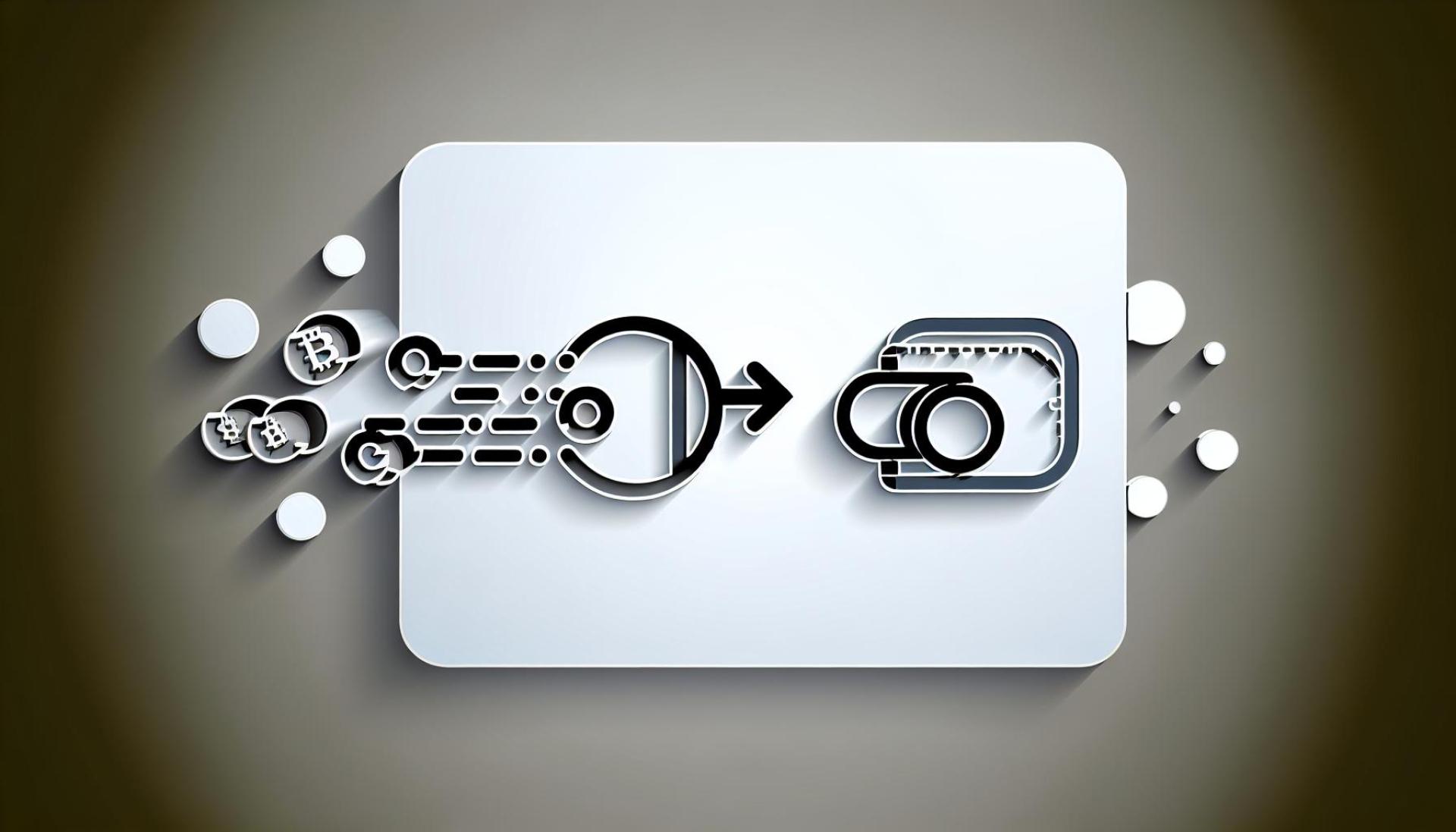
An internal wallet migration is the exchange moving customer assets between Coinbase-controlled addresses or infrastructure layers. It is not a user-initiated withdrawal and does not change your off-chain account balance. These movements can involve:
- Rotating hot wallets and keys, shifting assets to deeper cold storage, or rebalancing between custody tiers.
- Consolidating UTXOs (Bitcoin-like assets) to reduce future fees and improve spendability.
- Upgrading to new address formats or wallet stacks (e.g., native SegWit/bech32 for BTC, improved MPC setups).
- Responding to network upgrades, chain re-parameterizations, or token contract migrations.
Why Coinbase Migrates Wallets: Security, Scale, and Compliance
Security and Key Rotation
- Cold-storage hardening and hot-wallet minimization limit exposure.
- Routine key rotation and address refresh reduce long-term attack surface.
- MPC (multi-party computation) and HSM-backed custody evolve over time to meet institutional requirements.
Network and Cost Optimization
- UTXO consolidation on Bitcoin-like chains reduces fees during high-demand periods.
- Upgrading address formats (e.g., bc1 for BTC) and adopting protocol improvements lowers costs and failure rates.
- Rebalancing across L1/L2 networks (e.g., Ethereum and major L2s) aligns liquidity with user activity and withdrawal demand.
Operational Resilience and Compliance
- Segregating liquidity for spot, custody, and staking services improves routing and reliability.
- Regulated entities maintain auditable, well-labeled inventories; migrations support accounting and controls.
User Impact: Deposits, Withdrawals, and On-Chain Signals
For most customers, internal migrations are invisible. Still, a few practical effects are worth noting:
- Your exchange balance does not change due to internal moves.
- Deposit addresses may rotate; always fetch the latest address in your Coinbase app or web account.
- Some assets require a memo/tag (XRP, XLM, ATOM, EOS, BNB, etc.). Omitting it can delay crediting and require support.
- Expect occasional temporary pauses for deposits/withdrawals during major network upgrades or wallet maintenance.
- Large on-chain transfers between Coinbase-labeled wallets typically indicate migrations, not market moves.
| Scenario | What You’ll See | User Action |
|---|---|---|
| Internal wallet migration | Large movements between Coinbase addresses on explorers | No action; balances unaffected |
| Deposit address rotation | New deposit address shown in app | Update saved addresses; use the latest |
| Network upgrade/maintenance | Temporary pause on deposits/withdrawals | Check status.coinbase.com before sending |
| Memo/tag assets (e.g., XRP) | Same address but unique memo/tag | Include correct memo/tag or funds may be delayed |
How to Handle Deposit Address Changes Safely
- Verify in-account: Copy the address from your Coinbase deposit screen each time; avoid reusing old screenshots or notes.
- Confirm the network: Match asset and chain exactly (e.g., USDC on Ethereum vs. USDC on a specific L2). Wrong-network deposits can be irrecoverable.
- Use the memo/tag when required: For XRP/XLM/ATOM/EOS/BNB and similar, the memo/tag identifies your account.
- Send a test amount: For large transfers, first send a small test transaction, confirm credit, then send the remainder.
- Check operational status: Review status.coinbase.com for ongoing maintenance or chain-specific issues before sending.
- Update automations: If you run bots, payroll, or treasury scripts, refresh the stored address and network settings.
Reading On-Chain Data: Interpreting Coinbase Internal Transfers
On-chain analytics can misclassify exchange migrations as bullish/bearish flows. To avoid misreads:
- Look for exchange labels: Many Coinbase addresses are labeled by major explorers and analytics platforms.
- Watch clustering patterns: Sweeps to few omnibus addresses or batched outputs often signal internal consolidation.
- Check timing vs. maintenance: Spikes in internal transfers often align with wallet upgrades or network events.
- Differentiate user flows: Net exchange inflows/outflows from unlabeled wallets tell a different story than internal reshuffling.
Note: Coinbase is a publicly listed company; customer assets are segregated and reported in audited financials. Internal wallet migrations are routine operational activity, not evidence of solvency stress.
FAQs and Edge Cases
- Will my old address still work? Often yes, especially on BTC/ETH, but Coinbase may retire addresses on some networks. Always use the address shown in your account at the time of deposit.
- Are internal migrations taxable events? No. They’re not your transactions. Your tax exposure comes from trades, disposals, or withdrawals you initiate. Consult a tax professional for your jurisdiction.
- What about token contract migrations or rebrands? Coinbase will handle recognized migrations and credit users per announced terms. Monitor official announcements for cutoff times and eligibility.
- Can I verify Coinbase control of an address? Use explorer labels from reputable sources and official Coinbase communications. When in doubt, rely only on addresses generated in your account.
Conclusion: Best Practices for a Smooth Experience
Internal wallet migrations at Coinbase are standard, security-first operations that keep exchange infrastructure resilient and efficient. To stay safe and efficient:
- Always pull fresh deposit details from your Coinbase account and include required memos/tags.
- Check the Coinbase status page before large transfers or during volatile network conditions.
- Use small test sends when updating addresses or networks.
- Interpret on-chain “whale” moves in context-internal flows rarely reflect market intent.
By following these practices, you’ll minimize deposit risks, maintain operational hygiene, and read on-chain signals with a professional lens in 2025’s evolving crypto market.